Now Reading: How to Automate After Hours Customer Support with AI Chatbots
-
01
How to Automate After Hours Customer Support with AI Chatbots

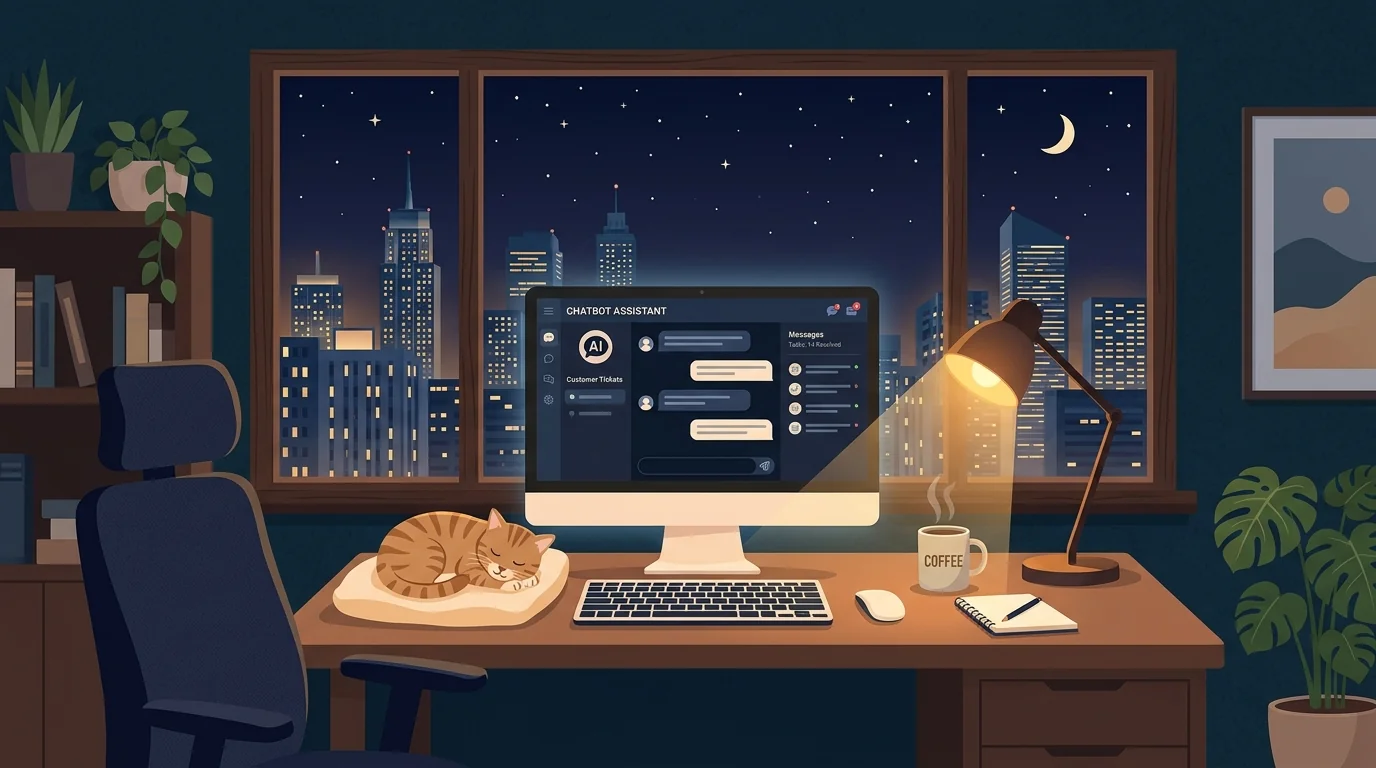
There was a time when waking up to check my inbox felt like opening a bomb shelter door. As a growing business selling to people in Tokyo, London, and San Francisco while my core team slept in North America, our overnight hours were pure chaos. Night owls and international buyers would submit urgent questions, wait eight hours for our morning shift, and end up requesting chargebacks out of panic. Learning how to automate after hours customer support with ai chatbots transformed our operations from a sleep-deprived scramble into a reliable around-the-clock machine.
Key Takeaways
Essential strategies for running a high-performing autonomous overnight desk:
- Focus overnight bot automation on high-frequency, transactional self-service actions like invoice delivery, order tracking, and password recovery.
- Be completely honest about agent availability; tell visitors your team is offline and provide a definitive morning response window.
- Structure all escalated night inquiries into prioritized, tagged tickets ready for immediate action when the first human logs in.
- Connect your night operations with growth tactics on Xan Digital to turn overnight shoppers into loyal brand advocates.
- Implement strict security authentication before allowing any bot to alter account statuses or billing settings in the dark.
The Midnight Problem for Growing Brands
The internet never sleeps, and modern consumers have little patience for “Our office is closed until Monday morning.” When someone buys software or places an e-commerce order at two in the morning, their dopamine is peaking. If their download link fails or their license key does not arrive immediately, that excitement curdles into buyer remorse.
Industry research from Zendesk Customer Experience Trends research demonstrates that over seventy percent of consumers expect conversational self-service options when live support is unavailable. If you make them wait eight to twelve hours for a basic answer, over half will consider taking their business to a competitor with active assistance.
Hiring a full twenty-four-seven human support team is wildly expensive for bootstrapped businesses and early-stage companies. Overnight shifts in domestic markets require shift-differential pay, while outsourcing offshore frequently leads to disconnected agent quality if you lack dedicated local managers. An intelligent chatbot bridges this gap with zero overhead, responding in seconds while keeping brand standards consistent.
What to Automate Overnight (And What to Lock Down)
You cannot simply flip a switch and tell an AI model to run your company while you rest. The secret to sleeping peacefully is drawing a razor-sharp boundary between routine self-service workflows and high-risk operations.
1. Green-Light Automations for the Graveyard Shift
These are low-risk, high-volume tasks that make up over sixty percent of night tickets. You should give your bot full API access to handle them autonomously:
- Order and Tracking Status: Validating order numbers and postal codes, then pulling live package locations from courier APIs.
- Knowledge Base Answers: Pulling step-by-step guidance by training an AI support chatbot on company knowledge to explain installation or configuration.
- Receipt and Invoice Downloads: Verifying email identity and generating secure PDF download links for finance teams.
- Subscription Pausing or Plan Upgrades: Helping users upgrade when they are ready to buy without making them wait for sales approval.
2. Red-Light Workflows That Require Human Review
Do not allow an unsupervised bot to process cash refunds, permanently delete user databases, or issue custom contract exceptions overnight. For these scenarios, the bot should capture details, reassure the client, and stage the ticket for senior review.
Building Trust Through Radical Availability Honesty
Nothing enrages a customer more than a deceptive interface. If a chat widget shows a green dot that says “Online” with a photo of a smiling person named Sarah, a customer expects Sarah to reply. When a bot answers instead and pretends to be Sarah typing, trust is broken.
When our office closes for the evening, our chat widget dynamically switches state. The header changes to “Automated Night Support” with a pleasant AI icon. When a visitor opens the window, the greeting sets clear parameters:
“Hey there! Our human team is currently off duty until eight in the morning Eastern Time. I am our automated support assistant, and I can look up your orders, troubleshoot technical errors, or manage your billing settings right now. If your issue requires our human team, I will package our conversation into a high-priority ticket so someone jumps on it first thing in the morning.”
This transparency immediately changes the customer mindset. They are delighted when the bot solves their issue in two minutes, and they are understanding when a complex problem is queued for morning review. Pairing this with established AI chatbot human handoff best practices ensures no visitor ever feels abandoned.
Securing Overnight Bot Actions with Authentication
Allowing an AI chatbot to query backend databases requires strict security protocols. You cannot have anonymous visitors asking, “What is the shipping address for order four-two-nine?” and having the bot blurt out private personal data.
If the user is logged into their account on your web application, pass their session token directly to the chat widget via secure JWT. This lets the bot know exactly who is talking without asking redundant questions.
If the visitor is unauthenticated, implement a two-step verification loop. Before the bot displays sensitive information or modifies an account, have it say: “For your security, I just sent a six-digit verification code to the email address on file. Please enter that code here to proceed.” Only after the code is validated should the bot query customer records. This simple verification step protects user privacy while maintaining seamless self-service.
Triage and Queue Staging for the Morning Team
One of the greatest benefits of an overnight AI assistant is how it prepares your morning shift. In the past, our team would log in at nine and spend the first two hours just reading through raw unformatted emails to figure out what was urgent and what was spam.
A smart night bot does that triage for you while you are asleep. For every unresolved ticket, the bot runs a classification step:
- Priority Scoring: Tagging tickets as Urgent (e.g., enterprise outage, payment failure) vs. Normal (e.g., general inquiry, feature request).
- Department Assignment: Routing technical bugs to engineering, chargebacks to finance, and trial questions to sales.
- Pre-Collected Data: Ensuring the ticket includes the customer operating system, browser version, screenshots, and replication steps.
When your human team sits down with their morning coffee, their inbox is already organized into neat, prioritized queues. They can resolve the urgent problems in twenty minutes instead of spending hours sorting through noise. Comprehensive benchmarks from Statista customer service benchmarks show that organized triage reduces mean time to resolution by more than forty percent across digital organizations.
Expanding Coverage to Messaging Channels
Do not restrict your overnight automation to a browser widget on your homepage. Modern buyers reach out wherever it is most convenient for them: WhatsApp, Instagram DMs, email, and mobile apps. If someone messages your brand on social media at night, waiting ten hours for a reply makes you look inactive.
By connecting your core chatbot logic to a centralized API, you can deploy the exact same knowledge base and authentication flows across every touchpoint. In our guide on multichannel customer support automation, we break down how to sync conversation states across channels so customers never lose their progress.
Timezone-Aware Rate Limits and Anti-Abuse Defenses
When humans are offline, your automated chat interface becomes an attractive target for spammers, script kiddies, and competitive scrapers testing your rate limits. Without live agents monitoring the desk, an unprotected chatbot can burn through computational tokens or flood your internal queues with junk submissions within a couple of hours.
To keep your system resilient while you sleep, implement adaptive rate limits on a per-session and per-IP basis. If a single visitor fires more than ten queries in sixty seconds, have the system gently throttle the connection with a polite cool-down message: “You are moving faster than our servers can process! Please take a quick thirty-second breather before asking your next question.”
Additionally, add lightweight honeypot fields to any after-hours contact form. Automated spam bots will fill out hidden input fields that real human users never see, allowing your backend logic to silently discard fraudulent submissions before they ever touch your CRM or morning queue. These protective guardrails ensure your morning team encounters legitimate customer inquiries rather than a messy pile of automated debris.
Auditing Night Conversations for Ongoing Improvement
Automating your overnight support is not a project you finish once and ignore forever. The real power of an autonomous desk comes from running continuous evaluation loops on what your night visitors are actually saying. Every week, reserve thirty minutes to review a sample of thirty to fifty transcripts recorded between midnight and six in the morning.
Look specifically for recurring patterns where the bot failed to provide a complete answer or triggered a morning escalation. Did twenty people ask about an unlisted international shipping policy? Did a software update cause a strange bug that your bot had no documentation for? When you spot these blind spots, update your knowledge articles immediately. Over time, your night deflection rate will climb steadily as your documentation becomes more thorough and comprehensive.
Frequently Asked Questions
What are the best customer support tasks to automate after hours?
The best after-hours automations include password resets, order status inquiries, receipt downloads, subscription management, policy lookups, and structured bug report intake.
How should an AI chatbot inform customers that human agents are offline?
The bot should state transparently right away that live reps are off the clock, share the exact time the morning shift begins, and offer the choice between self-service resolution and queuing an urgent email ticket.
Can after-hours chatbots execute real account changes safely?
Yes, provided they use authenticated webhooks with strict rate limits, verify identity with one-time security codes, and restrict write actions to low-risk operations like updating shipping addresses or pausing subscriptions.
How do you prevent after-hours bots from creating morning ticket chaos?
Require the bot to structure all offline requests with standardized tags, priority rankings, and customer summaries so morning reps can scan and resolve tickets in order of urgency.
Deploying an intelligent after-hours bot gives your business true global reach, ensuring your customers receive instant help no matter what timezone they call home.