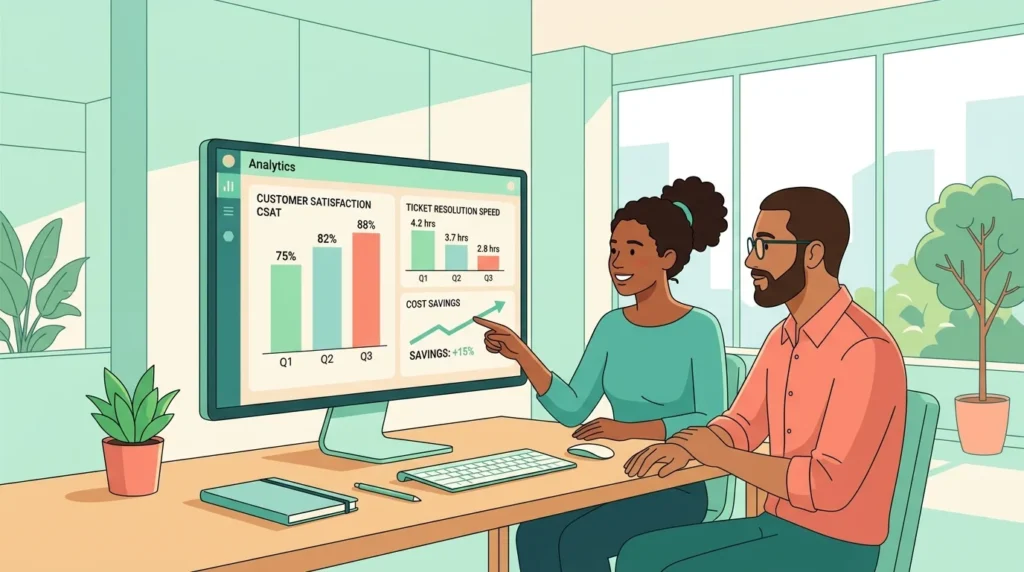
Now Reading: How to Design a Seamless AI Chatbot Human Handoff Workflow
-
01
How to Design a Seamless AI Chatbot Human Handoff Workflow

We have all been trapped in chatbot purgatory. You type a clear problem, the bot spits out a generic help desk article, you say “that did not help,” and the bot cheerily repeats the exact same question. Five minutes later, you are furiously typing “AGENT” in all caps while your blood pressure spikes. When I first rolled out automated chat for our customer base, I made the amateur mistake of assuming the AI model could figure out everything on its own. It could not. That painful realization forced our team to rebuild our system around battle-tested ai chatbot human handoff best practices that respect customer time and protect agent sanity.
Key Takeaways
Here is a quick summary of the core principles for designing a bulletproof escalation workflow:
- Never trap users in infinite repetition loops; offer an obvious escape hatch after two consecutive failed clarification attempts.
- Implement real-time sentiment scoring and keyword triggers to escalate high-risk tickets like billing disputes and contract cancellations instantly.
- Pass complete structured context, including customer intent, collected variables, and conversation transcripts, directly to the agent console.
- Integrate this handoff pipeline with your overarching strategies on Xan Digital to align customer happiness with operational growth.
- Set transparent queue wait expectations rather than faking an instant live connection when your team is offline.
The Hidden Cost of Chatbot Traps
There is a massive difference between genuine deflection and customer abandonment. When founders brag about hitting an eighty percent deflection rate within their first week, I always ask to see their customer satisfaction scores. More often than not, customers did not find answers. They simply gave up in frustration and closed the tab. That is not customer support; that is churn acceleration disguised as efficiency.
According to Nielsen Norman Group research on chatbot usability, users quickly lose patience when conversational interfaces fail to recognize user intent or provide immediate pathways to human escalation. If a customer has to repeat their order number, account email, and explanation three times across different channels, their initial minor annoyance morphs into genuine anger before a human agent even reads the ticket.
A well-architected handoff mechanism is not an admission that your bot failed. Think of your chatbot as an eager, lightning-fast receptionist. It greets visitors, answers routine questions, collects relevant background data, and smoothly walks the guest over to the right specialist when things get nuanced. When you frame the architecture this way, human escalation becomes a natural feature of your service rather than a breakdown.
Determining Precise Triggers for Escalation
How does your system know when it is time to step aside and bring in a human? You cannot rely solely on the customer clicking a “Talk to an agent” button. Many users will try to play along with the bot until they hit a breaking point. You need automated, proactive triggers running quietly in the background on every incoming message.
In our setup, we split escalation triggers into three distinct categories: confidence failure, sentiment volatility, and high-stakes intent classification.
1. Confidence Threshold Failures
Every response generated by a natural language model carries an internal confidence score or retrieval relevance metric. If the AI searches your documentation and finds no passage with at least a seventy-five percent semantic match, it should never guess. Hallucinating a policy or making up a feature is lethal. When confidence drops below your threshold twice in a row, the bot should immediately pause and say: “I want to make sure you get the exact right answer on this. Let me connect you with someone from our support team who specializes in this area.”
2. Sentiment and Frustration Detection
Natural language processing models excel at spotting rising frustration long before an outright swear word appears. Rapid typing bursts, multiple exclamation points, words like “ridiculous,” “broken,” “cancel my subscription,” or repeated short commands (“human,” “agent,” “operator”) should instantly flag the conversation. The moment negative sentiment is detected, suppress promotional prompts and trigger an immediate transfer prompt.
3. High-Stakes Intent Classification
Certain customer requests should never touch an autonomous resolution path. As we explored in our deep dive on ai chatbot customer support intent routing, tickets dealing with active billing chargebacks, security breach reports, and high-value sales inquiries require human empathy and critical decision-making. Your intent router should intercept these queries on the very first message and route them straight to specialized queues without wasting user time on interactive troubleshooting trees.
Context Preservation: The Golden Rule of Handoffs
If you take only one lesson from this guide, make it this: never, under any circumstance, force a customer to re-explain their problem after a transfer. When a customer gets passed to a human rep and hears, “Hi there, how can I help you today?”, you have completely erased the value of your chatbot.
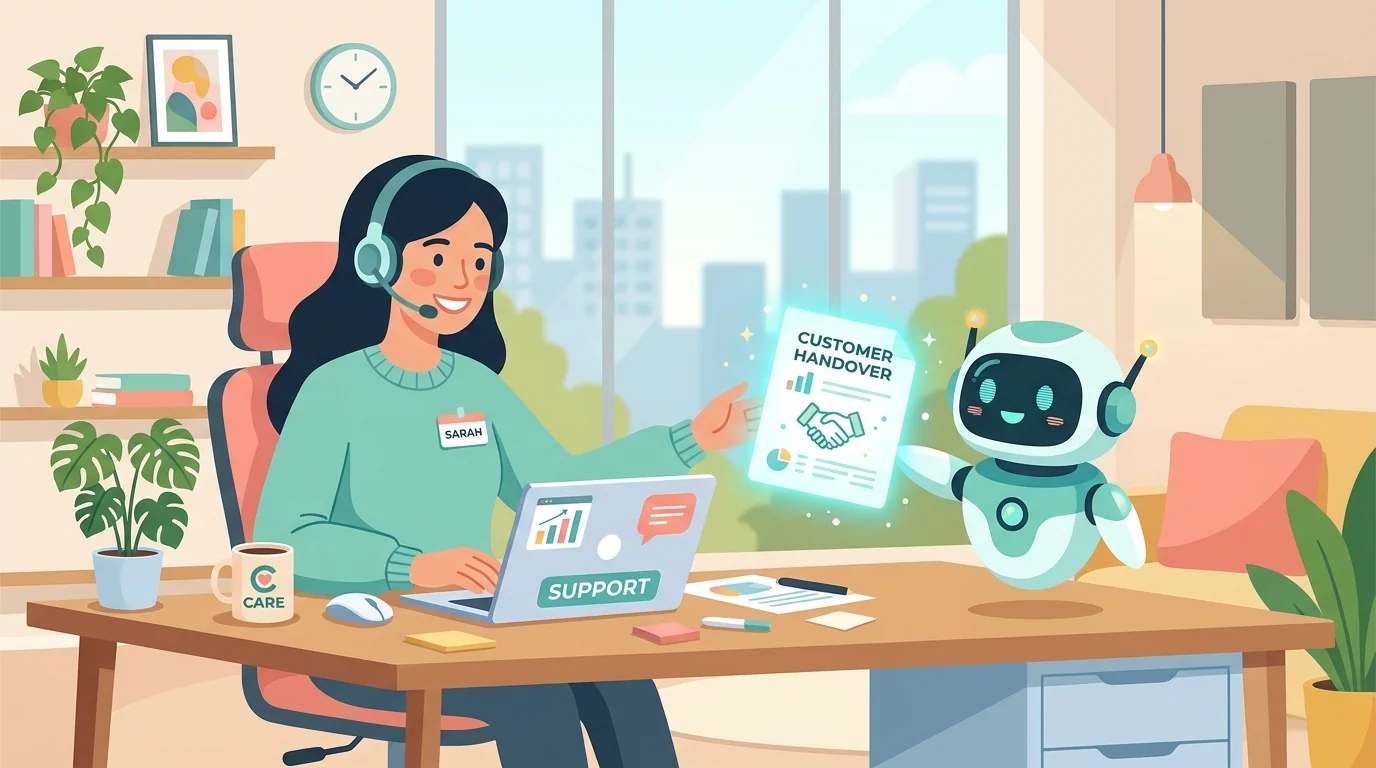
A seamless transfer requires background context packaging. Before the rep answers the chat or opens the ticket, the bot must inject an internal note into your helpdesk console containing a clean, structured digest of the interaction. Here is the exact template our internal bot sends to the agent desk:
- Customer Name and ID: Verified via authenticated session or email lookup.
- Detected Core Intent: E.g., Payment failure on renewal plan.
- Steps Already Attempted: E.g., User cleared browser cookies, verified card expiration, attempted two checkout retries.
- Sentiment Rating: Moderate frustration detected.
- Full Transcript Link: One-click collapsible view of the entire conversation.
When the human agent greets the customer with: “Hey Alex, I see you are having trouble with the card decline on the annual plan renewal. I am looking at your billing log right now to see why the bank blocked the transaction,” the customer feels heard and valued. The transition feels like teamwork, not an obstacle course.
Managing Queues and Offline Hours Smoothly
What happens when a customer requests an agent at two in the morning on a Sunday, and your human team is asleep? Too many companies let their chatbot say, “Transferring you to an agent now…” followed by twenty minutes of elevator silence until the visitor gives up. That destroys trust.
Your bot must be acutely aware of your support schedule and agent availability in real time. If no agents are online, the escalation prompt needs to shift immediately to asynchronous ticket capture:
“Our live support team is currently offline until eight in the morning Eastern Time. I have logged everything we discussed, along with your error details. Would you like me to create an urgent ticket so our morning team replies to your email first thing, or would you like to explore a few troubleshooting articles while you wait?”
This approach gives the user total agency. They can choose to leave their email, schedule a callback, or continue testing solutions. When you pair this with methods to reduce support tickets with AI chatbots, you prevent ticket backlogs from overwhelming your morning shift while keeping expectations crystal clear.
Technical Architecture: Connecting the Bot to Helpdesks
Behind the conversational interface, a robust webhook and event bus architecture keeps everything synced. Modern customer communication platforms (like Zendesk, Freshdesk, Intercom, or custom open-source stacks) provide bidirectional APIs to manage user presence and conversation assignment.
Here is how the data flow typically operates in a modern production stack:
First, the front-end chat widget sends user input to your AI engine. The engine processes the prompt against your vector database and system guardrails. If an escalation event triggers, the engine makes an asynchronous API call to your helpdesk platform using a webhook payload. This payload updates the ticket status from “bot” to “open” and assigns the appropriate department tag based on the intent.
Second, the front-end widget receives an event indicating that a human agent has joined the room. The widget disables the bot’s auto-reply listener and renders an indicator showing the agent’s name and avatar. To keep the AI from hallucinating during human conversation, you must enforce strict AI chatbot guardrails that silence the bot model entirely once the human takes ownership.
Research published in Harvard Business Review analysis highlights that hybrid AI-human systems outperform purely autonomous setups across customer lifetime value metrics. The technology should empower your employees, not replace them wholesale.
Five Common Handoff Mistakes to Avoid
Over the years, I have seen teams make the same avoidable blunders when rolling out bot-to-human workflows. Keep these red flags on your radar:
1. Burying the human option: Hiding the escalation link behind five sub-menus because you want to artificially inflate deflection numbers will backfire in negative online reviews.
2. Premature escalation: Transferring customers at the slightest hesitation before the bot has collected basic facts like email addresses or invoice numbers wastes valuable rep time.
3. Missing conversation summaries: Handing over an unformatted wall of raw JSON or fifty lines of chat text without a high-level summary forces agents to waste minutes reading through noise.
4. Forgetting bidirectional handoffs: Handoffs are not one-way streets. When an agent finishes resolving a complicated technical issue, they should be able to hand the user back to the bot for follow-up actions like survey collection or resource downloads.
5. Ignoring post-handoff telemetry: If thirty percent of your escalations occur on the exact same billing question, that is not an agent problem; that is a gap in your knowledge base documentation that needs an immediate rewrite.
Frequently Asked Questions
When should an AI chatbot hand off a conversation to a human?
A chatbot should transfer the user whenever it detects high negative sentiment, after two consecutive low-confidence responses, on sensitive intents like billing disputes or account cancellations, or whenever the user explicitly asks for a person.
How do you prevent customers from repeating themselves after an escalation?
You prevent repetition by having your chatbot automatically compile a structured handover note containing the customer identity, detected intent, troubleshooting steps already tried, and a concise interaction summary directly into your helpdesk console.
What should the chatbot do if no human agents are available?
When live reps are offline, the bot should transparently state that the team is away, explain operating hours, capture the customer contact information, and create an asynchronous support ticket so the morning team can follow up promptly.
Does having an easy human handoff ruin deflection rates?
No, it actually improves overall support quality. Genuine deflection comes from resolving routine questions quickly and accurately. An accessible handoff ensures complex queries reach humans promptly, which protects customer satisfaction and brand trust.
Designing a thoughtful escalation flow turns your chatbot from an annoying gatekeeper into an invaluable asset for both your customers and your support team.